
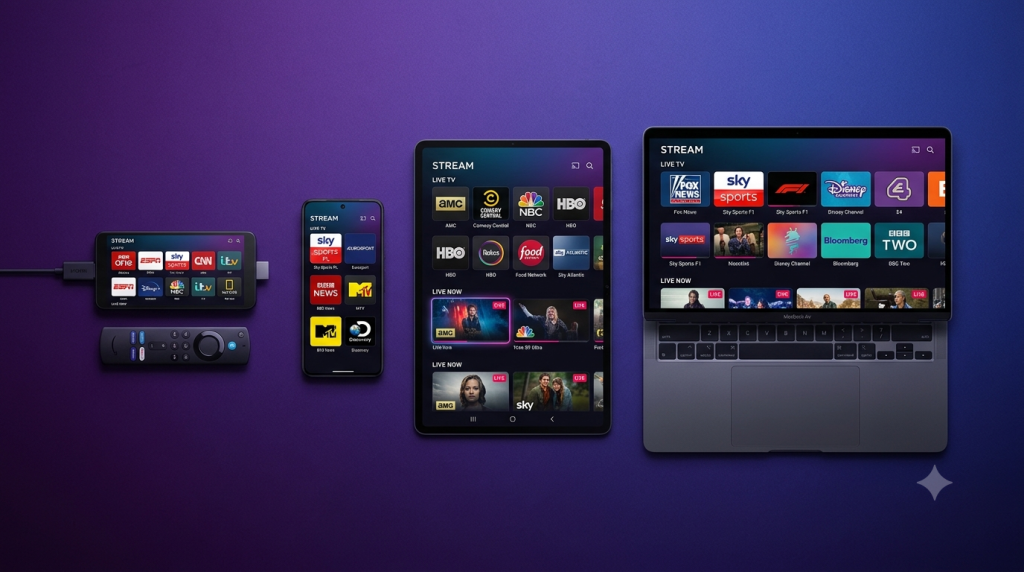
Setting up CoCoTV is straightforward on any device. This guide walks you through the most popular platforms so you can be streaming live TV, sports, and VOD in minutes.
Before You Start
After subscribing at cocotv.xyz, you’ll receive an email with your M3U playlist URL or Xtream Codes (username, password, server URL), plus an EPG URL for channel listings.
Setup on Amazon FireStick
- Go to Settings → My Fire TV → Developer Options → enable Apps from Unknown Sources
- Download the Downloader app from the Fire TV App Store
- Use Downloader to install TiviMate or IPTV Smarters Pro
- Open the app → Add Playlist → enter your CoCoTV M3U URL or Xtream Codes
- Confirm and enjoy 20,000+ channels
Setup on Android TV / Android Box
- Open Google Play Store and install TiviMate or IPTV Smarters
- Open the app → Add Playlist → enter your CoCoTV credentials
- Wait for channels to load and start streaming
Setup on iPhone / iPad
- Download IPTV Smarters Pro from the App Store
- Tap Add User → choose Xtream Codes API
- Enter your CoCoTV server, username, and password → tap Add User
Setup on Samsung / LG Smart TV
- Install Smart IPTV (Samsung) or SS IPTV (LG) from your TV app store
- Note the MAC address shown in the app
- On your phone/PC, link your CoCoTV M3U URL to that MAC address on the app’s website
- Restart the app — channels load instantly
Best Player by Device
| Device | Recommended App |
|---|---|
| FireStick | TiviMate |
| Android | TiviMate / IPTV Smarters |
| iOS | IPTV Smarters Pro |
| Smart TV | Smart IPTV / SS IPTV |
| Windows | VLC / IPTV Smarters |
Need help? CoCoTV support is available 24/7 via WhatsApp and Telegram. Visit cocotv.xyz to get in touch.